





What Can You Do with the Kaltura Video Player?
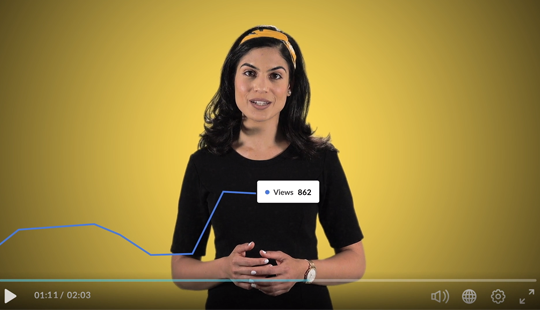
The Kaltura video player is incredibly versatile, with a ton of great customizations you make. Create different video players to meet all your different audiences’ needs, whether it’s making sure video is accessible, easily shareable on social media, or more. Add watermarks, translations, in-video quizzes, and slides. Let viewers choose playback speed or view within multiple screens. Take advantage of more advanced video technology, including branching pathways, AR and VR, and casting to a TV.
Are you taking full advantage of your video player? We’ve got a fun new video that takes you on a tour of some of the capabilities.
Want to learn more about using the Kaltura player? Check it out. Would you rather create your own video experience with our APIs? Visit our Developer Portal.

Was this post useful?
Thank you for your feedback!
