Best video conferencing tools: Top 8 tools in 2025

Video conferencing tools offer a practical way to hold face-to-face discussions, share content, and collaborate in real time—without the need for physical meetings. Whether you’re hosting small team catch-ups or large webinars, choosing the right platform can significantly impact engagement, productivity, and communication flow.
What are video conferencing tools?
Video conferencing tools allow individuals and teams to connect remotely through audio and video, enabling communication and collaboration. Popular options include Kaltura, Zoom, and Google Meet. Beyond simple point-to-point calls, video conferencing platforms offer structured environments for interactive communication. They provide features such as scheduling, participant management, and session security.
Here are some of the key features of video conferencing tools:
- Audio and video conferencing: The core functionality for face-to-face communication over the internet.
- Screen sharing: Allows presenters to share their computer screen with other participants.
- In-session chat: Provides a way for participants to communicate in real-time through text.
- Meeting recording: Enables recording of meetings for later review or sharing.
- Webinar functionality: Some tools offer features for hosting larger online events, like webinars.
- Integration with other tools: Many platforms integrate with other communication and collaboration tools, such as Slack or Microsoft Teams.
Here are a few important factors to select the best video conferencing tool:
- Number of participants: Some tools have limits on the number of participants in a meeting or webinar.
- Integration: If you already use a specific suite of tools (like Microsoft 365 or Google Workspace), it might be beneficial to choose a platform that integrates well with that vendor.
- Specific features: Consider whether you need features like webinar functionality, screen sharing, or AI-powered tools.
- Cost: Many platforms offer free plans or trials, but paid plans may be necessary for larger teams or more advanced features.
This is part of a series of articles about video platforms.
Key features of video conferencing tools
Audio and video conferencing
The core of any video conferencing tool is audio and video capability. High-quality transmissions ensure that discussions are clear, minimizing misunderstandings due to lag or distortion. Platforms deploy technologies such as noise cancellation, bandwidth adaptation, and HD video to maintain session clarity, even with varying network conditions.
Multiple participants can join a single call, with features like active speaker detection and gallery views to simplify interactions. Tools typically include mute controls, virtual backgrounds, and host moderation to keep meetings orderly and free from distractions. For organizations with users in low-bandwidth areas, some platforms offer audio-only options or phone-based connectivity.
Screen sharing
Screen sharing allows participants to broadcast their desktop, specific applications, or browser tabs directly to meeting attendees. Some tools incorporate functions like multi-user whiteboards or annotation on shared screens. These enhancements enable collaborative brainstorming or pointed feedback during presentations.
Secure screen sharing controls, such as host approvals or limitation of screen share access, are also key when sharing sensitive information in larger or public meetings.
In-session chat
In-session chat provides a secondary communication channel during meetings, allowing participants to share questions, links, and files without interrupting the flow of the discussion. This chat functionality is vital for large group meetings, webinars, and classes, where verbal question-and-answer may not be effective. Most tools also support private chats between individuals or targeted groups.
Persistent chat histories can be reviewed after the meeting, which aids in referencing resources or following up on action items. Many platforms support rich text formatting, emoji reactions, and threaded replies within chat, promoting engagement and clarity. Security features such as moderation, retention settings, and data export ensure compliance with organizational policies or regulatory requirements.
Meeting recording
Meeting recording lets organizers capture audio, video, screen shares, and sometimes even chat logs. Most platforms allow recordings to be stored locally or in the cloud.
Some tools embed time-stamped chapters, searchable transcripts, or AI-driven summaries within their recording features. These additions streamline post-meeting tasks, making it easier for users to locate critical information or produce accurate meeting minutes. Security controls, such as locked recording permissions and expiration dates, help safeguard sensitive content.
Webinar functionality
Webinar functionality supports events where a small group of presenters shares information with a larger audience. Unlike traditional meetings, webinars generally restrict audience interaction to Q&A, polling, or moderated chat. Key use cases include educational lectures, product announcements, and large-scale corporate communications.
Webinar tools support registration, branding customization, and analytics to monitor attendee engagement and participation. Support for slide sharing, audience handouts, and live translation options can also be critical in optimizing large events for varied participants. Other important capabilities are control over attendee permissions and moderation tools.
Integration with other tools
Integration capabilities allow video conferencing solutions to work with other business applications, like calendars, project management platforms, and customer relationship management (CRM) systems. Common integrations include one-click scheduling from Google Calendar or Outlook and automatic posting of meeting recordings to collaboration spaces such as Slack or Microsoft Teams.
APIs, webhooks, and third-party application marketplaces further extend video platforms, enabling organizations to customize workflows, automate repetitive tasks, or centralize data.
Notable video conferencing tools
1. Kaltura

Kaltura Meetings is a browser-based (no downloads required and accessible from any device) video conferencing tool built for internal collaboration, training, and knowledge sharing. Designed to be always-on and accessible via a single link, Kaltura Meetings offers continuity, so users can return to the same virtual room—with chat logs, files, and media playlists intact—after a break or even days later.
Key features include:
- Built-in collaboration tools: Use shared notes, chat, polls, quizzes, and whiteboards to keep participants engaged.
- Rich media support: Upload, organize, and play videos or presentations in shared playlists.
- Multiple room modes: Choose between Interactive (up to 100 participants) or Webinar (up to 300 participants) formats, each with its own stage and viewer configuration.
- Brand customization: Personalize your meeting space with logos, colors, and themes.
- Cloud recording and editing: Automatically record meetings to the cloud, with tools to edit, translate, and share.
- Stage and scene management: Use speaker notes, interludes, backstage mode, and more to create polished, TV-like session experiences.
- Chat and Collaborate (C&C): Real-time chat, polls, and updates are available via an integrated collaboration sidebar.
Kaltura Meetings is purpose-built for internal meetings, learning sessions, and collaborative workshops, and is available as a standalone solution or as part of Kaltura’s Video Portal, Virtual Classroom, or video LMS applications. It also integrates seamlessly with Microsoft Teams, major LMS platforms, and SSO systems.
2. Zoom

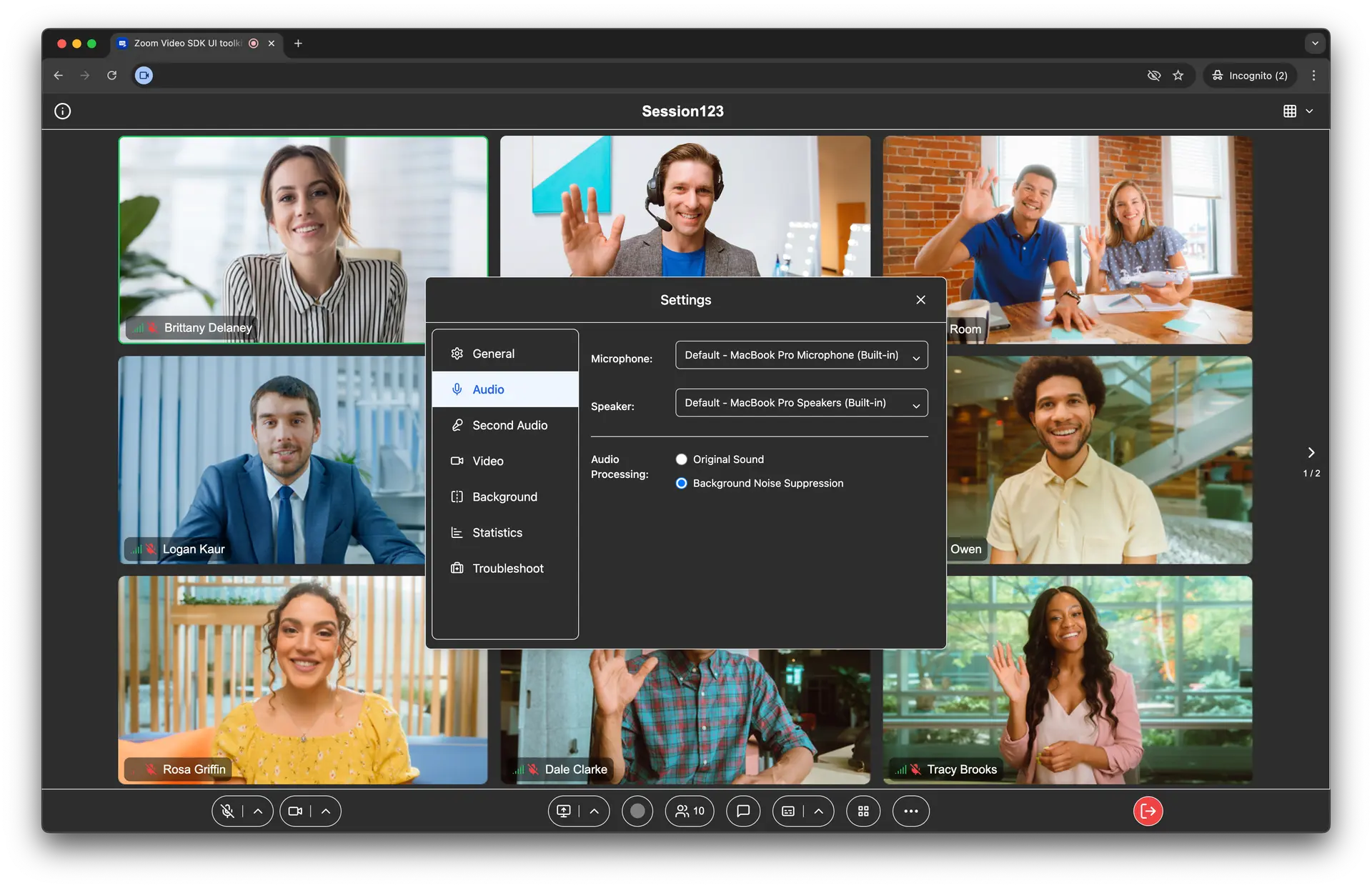
Zoom is a video conferencing platform known for its interface and collaboration features. Intended for individuals, teams, and small to large businesses, Zoom Meetings enables users to host virtual face-to-face interactions. Its free plan supports meetings for up to 100 participants with a 40-minute time limit, while paid plans offer extended durations and additional capabilities.
Key features include:
- Customizable gallery views: Arrange video tiles and spotlight participants.
- Screen sharing and co-annotation: Share desktops, apps, or portions of the screen, with support for multiple users annotating shared content.
- Meeting management: Features like waiting rooms, participant pinning, and local recording provide control and security during sessions.
- Engagement tools: Use reactions, immersive view, breakout rooms, and virtual backgrounds.
- Automated captions: Transcription supports accessibility across several languages.

Source: Zoom
3. Microsoft Teams

Microsoft Teams is a communication and collaboration platform that provides chat, video meetings, file sharing, and app integration. Built as part of the Microsoft 365 ecosystem, Teams is intended to support hybrid and remote work at scale.
Key features include:
- Unified communication: Combines video conferencing, chat, calling, and file sharing in one interface.
- Integrated Microsoft 365 apps: Support for apps like Word, Excel, PowerPoint, and OneNote within the Teams workspace.
- AI-enhanced meetings: Features like Copilot provide meeting summaries, action item tracking, and prompt-based decision support.
- PowerPoint Live and Whiteboard: Present slides interactively and collaborate visually with digital whiteboards during meetings.
- Meeting notes and transcription: Automatically generated meeting notes and transcripts improve documentation and follow-up tasks.

Source: Microsoft
4. Google Meet

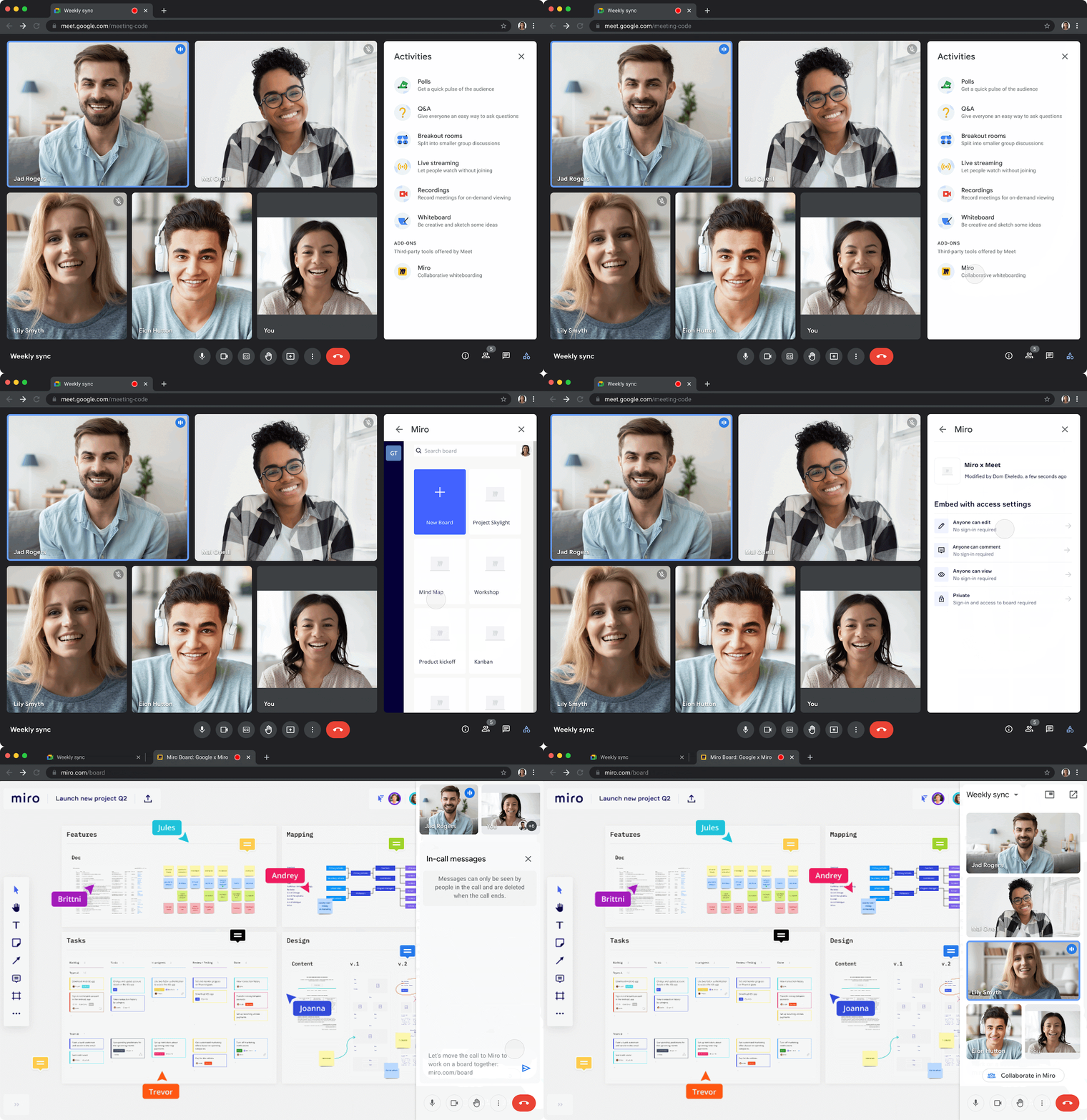
Google Meet is a video communication platform developed by Google to support secure video meetings across web, Android, and iOS devices. Originally launched as an enterprise-focused upgrade to Google Hangouts, Meet is now used for both personal and professional communication.
Key features include:
- Video and audio: Supports two-way and multi-way video calls with resolution up to 1080p.
- Integrated chat and collaboration: Includes in-call chat, shared whiteboard, live reactions, Q&A, and polls for interactive meetings (features vary by license).
- Screen and tab sharing: Enables users to share full screens or individual browser tabs.
- Google Workspace integration: Provides access via Google Calendar, Gmail, and Google Docs.
- Live preview: Displays the caller’s video before answering to make incoming calls feel less intrusive.

Source: Google
5. Zoho Meeting

Zoho Meeting is a secure online meeting and webinar platform for teams, businesses, and organizations to collaborate remotely. It offers integrated tools for video conferencing, webinar broadcasting, screen sharing, and cloud-based phone calls.
Key features include:
- Video and audio conferencing: Host video meetings with tools like screen sharing, whiteboards, and file sharing.
- Webinar hosting: Conduct live webinars with multiple video feeds, interactive polls, and Q&A sessions.
- Recording and replay: Record meetings and webinars, share them with team members, or download for offline access.
- Department-level management: Organize users into departments, assign roles, and schedule team-specific meetings within a structured framework.
- Business calling and SMS: Use personalized business phone numbers to make and manage local and international calls and texts within the platform.

Source: Zoho
6. Webex Meetings

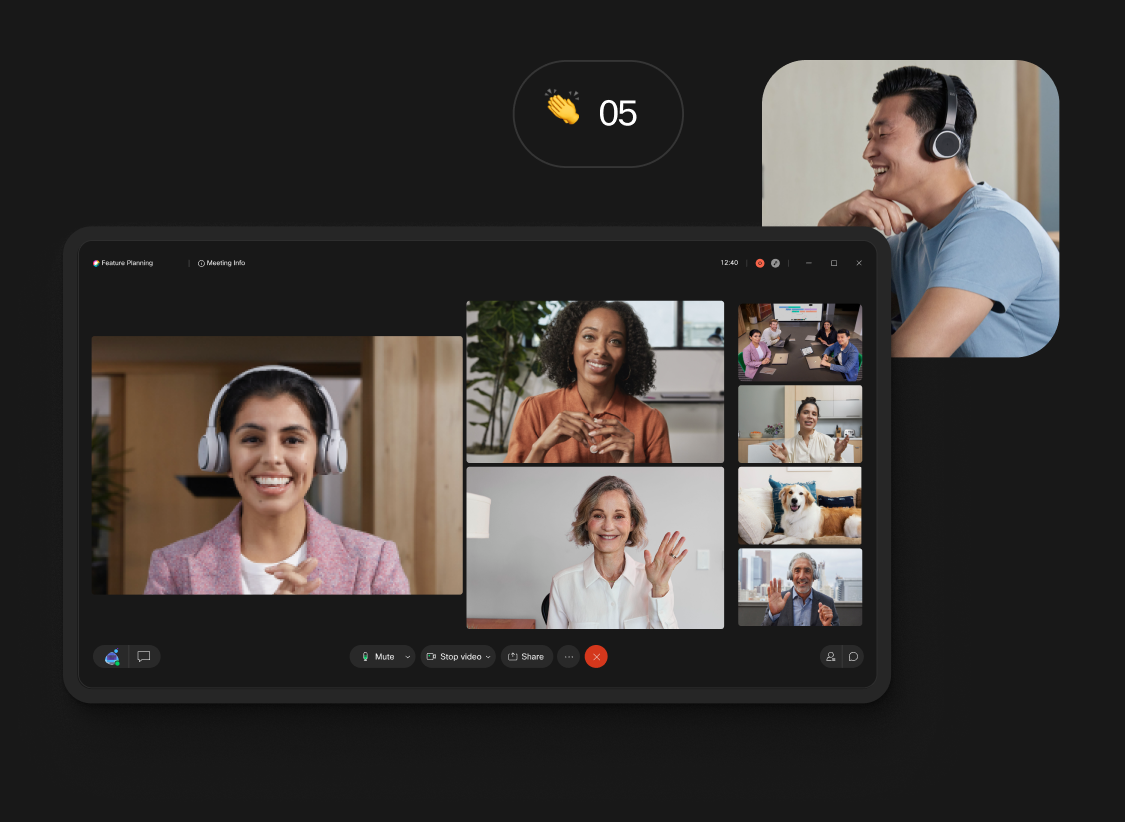
Webex Meetings is a video conferencing and collaboration platform from Cisco, designed to support inclusive, secure, and flexible hybrid work. It combines video and audio with productivity tools such as translation, immersive screen sharing, and automated note-taking.
Key features include:
- Video and audio: Delivers reliable video meetings with voice optimization, noise removal, and people-focused views.
- Inclusive collaboration: Translation and closed captions make meetings accessible across languages and communication styles.
- Meeting assistant: Webex Assistant can take notes, capture action items, and respond to voice commands to automate routine tasks.
- Interactive engagement tools: Features like immersive share, custom stage views, polling, and Q&A keep participants engaged.
- Access across devices: Schedule, join, and switch meetings between devices—including desktop, mobile, car (via Apple CarPlay), and Cisco hardware.

Source: Webex
7. GoTo Meeting

GoTo Meeting is a web conferencing solution offering video meetings with simple access, security, and audio performance. Designed to minimize friction for users and administrators, it supports meetings without downloads, enables secure mobile participation, and provides hosting and management tools.
Key features include:
- HD video conferencing: Host video meetings with webcam preview, screen sharing, and annotation tools.
- Zero-download join: Participants can join meetings instantly via browser.
- Built-in audio options: Supports VoIP and dial-in, with background noise suppression and “Commuter Mode” for clear sound in different environments.
- Breakout rooms and collaboration tools: Divide meetings into smaller groups and use keyboard/mouse sharing, chat, and drawing tools.
- Global access and scalability: Available in most countries with support for up to 250 participants per meeting.

Source: GoTo Meeting
8. RingCentral Video

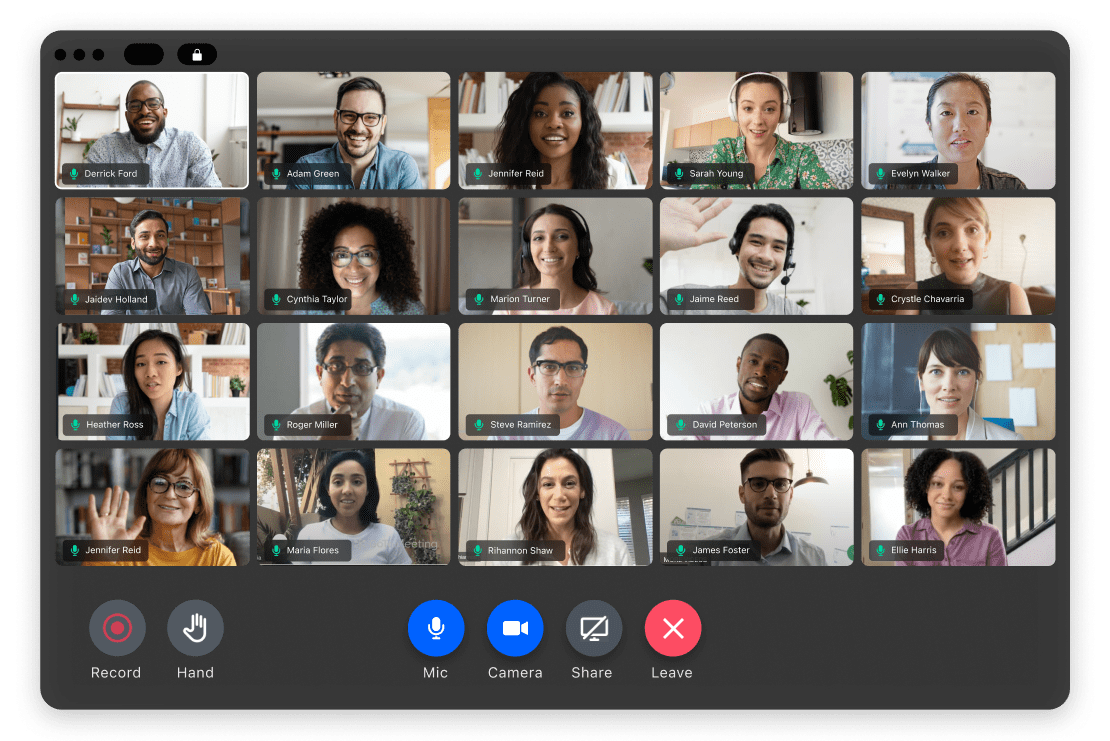
RingCentral Video is a cloud-based video conferencing platform for business collaboration in remote and hybrid work. It combines features like HD video, screen and file sharing, and unlimited meeting duration on paid plans.
Key features include:
- Cross-platform access: Join or host meetings via desktop, mobile app, or web browser.
- HD video and audio: Delivers sharp video quality and clear audio with background noise suppression on limited connections.
- Screen and file sharing: Share screens, documents, and visuals to present ideas and collaborate.
- Unlimited meeting duration: Paid plans remove time limits.
- Cloud recording and storage: Record meetings and store them in the cloud, with options to integrate with Google Drive or Dropbox.

Source: RingCentral
Considerations for choosing the right video conferencing tool
When selecting a video conferencing tool, organizations should evaluate several factors to ensure alignment with technical needs, user requirements, and business objectives:
- Scalability and participant limits: Assess how many users the platform supports per session and whether it meets your typical meeting size or event capacity.
- Security and compliance: Look for features like end-to-end encryption, secure data centers, user authentication, and compliance with standards such as GDPR, HIPAA, or SOC 2.
- Integration capabilities: Ensure compatibility with key systems such as calendar apps, document tools, CRM platforms, and identity providers (e.g., SSO, LDAP).
- User experience and accessibility: Prioritize intuitive interfaces, cross-device support, and accessibility features like closed captions, keyboard navigation, and screen reader compatibility.
- Required features and functionality: Look for tools that offer the exact set of capabilities the company might need, such as AI-based tools, interactive elements, support for webinars, or real-time screen sharing.
- Reliability and performance: Consider uptime guarantees, bandwidth optimization features, and performance under variable network conditions.
- Support and training: Review the availability of technical support, onboarding materials, and training resources to aid adoption and troubleshooting.
- Cost and licensing: Compare pricing models (per user, per host, flat fee) and identify any limitations in free or entry-level plans that could impact usability.
Conclusion
Video conferencing tools have become essential for maintaining communication and collaboration in increasingly distributed work and learning environments. By enabling real-time interaction, content sharing, and integrated workflows, these platforms help organizations stay connected, productive, and responsive to changing needs. Choosing the right solution depends on balancing technical features, usability, security, and cost to meet both current and future communication demands.
Was this post useful?
Thank you for your feedback!