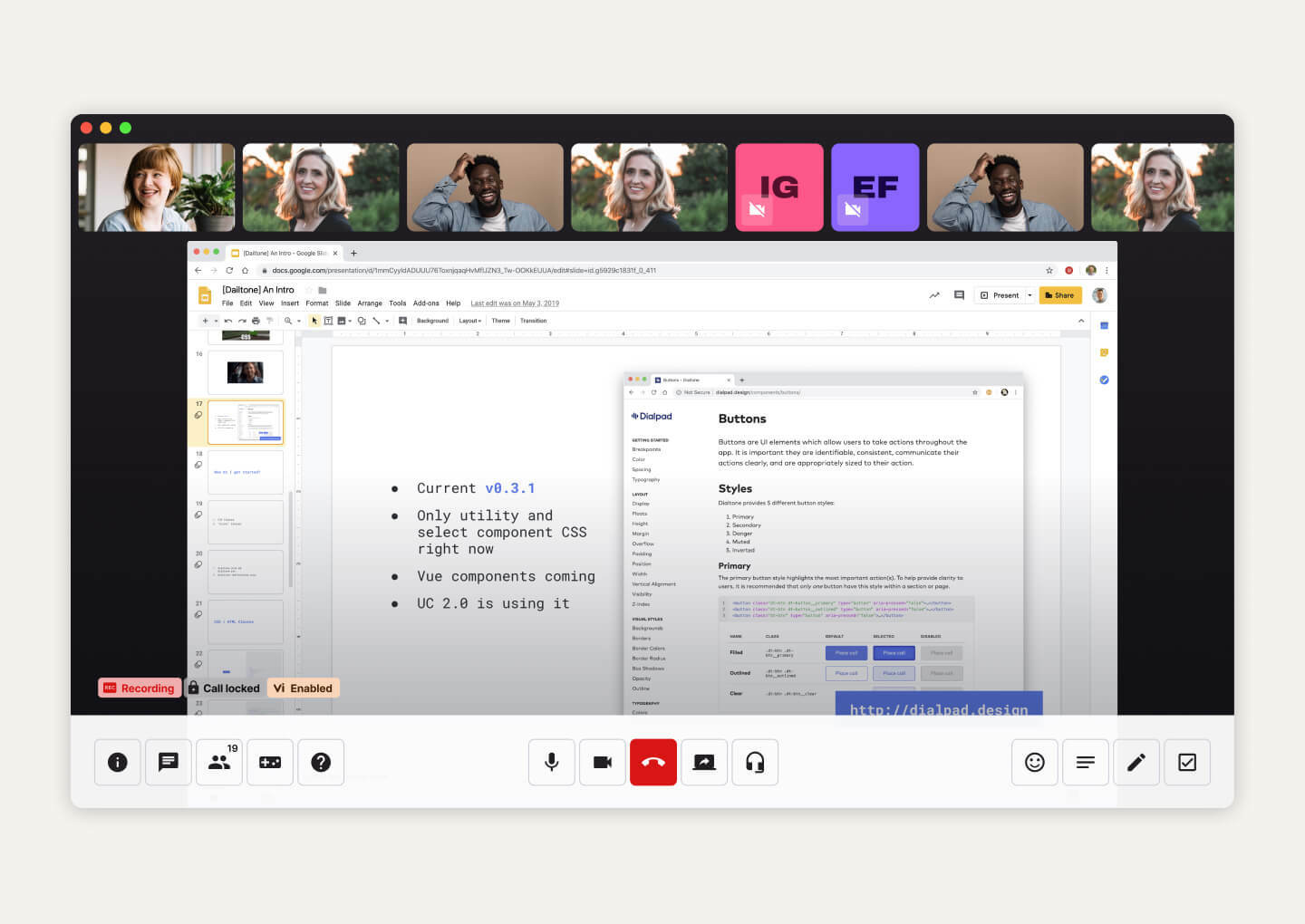
Best video conferencing software: 9 options to run meetings in 2025

With remote work and hybrid collaboration now the norm, choosing the right video conferencing software can directly impact team productivity and engagement. From simple one-on-one calls to large webinars with thousands of attendees, today’s platforms offer a wide range of tools to fit different needs. This guide covers nine popular options to help you find the best fit for your organization.
What is video conferencing software?
Video conferencing software allows for real-time audio and video communication between multiple participants over the internet. Popular options include Kaltura, Zoom, Google Meet, and Microsoft Teams. These tools are essential for remote work, online meetings, and virtual events.
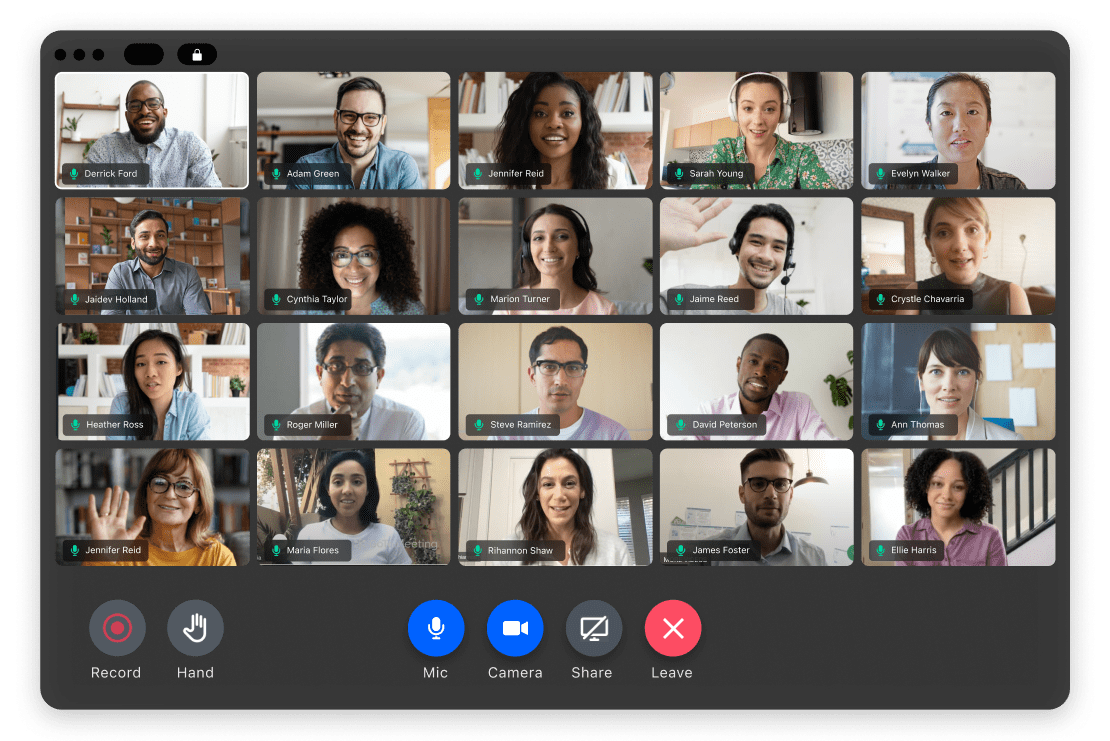
Modern video conferencing platforms support high-definition video, multi-person meetings, and interactive features that make remote collaboration effective and engaging. This technology allows participants to join meetings, discussions, or presentations virtually, using computers, smartphones, or specialized conferencing devices. In addition to video and audio, solutions often integrate features such as chat, file sharing, and support for third-party integrations.
Some key features and considerations for choosing video conferencing software include:
- Screen sharing: Allows users to share their computer screen with other participants for presentations or collaborative work.
- Meeting recording: Enables recording of meetings for later review or sharing.
- Breakout rooms: Supports splitting large meetings into smaller, focused groups.
- Chat functionality: Allows for text-based communication during meetings.
- Whiteboarding: Provides a shared digital space for brainstorming and collaboration
- Security: Features like password protection and end-to-end encryption are important for sensitive meetings.
- Scalability: Options for different meeting sizes, from one-on-one to large webinars.
- Integration with other tools: Some platforms integrate with other business software like Microsoft 365 or Google Workspace.
- Cost: Many platforms offer free basic plans, with paid plans for more advanced features and larger meeting sizes.
This is part of a series of articles about video platforms.
Key features of video conferencing software
Video conferencing platforms offer a range of features designed to improve communication, collaboration, and meeting management. Below are some of the most common and valuable capabilities available in modern solutions.
1. Screen sharing
Screen sharing lets meeting participants display their desktop, a specific application window, or documents in real time to others in the conference. This is a crucial feature for collaborative work environments, as it enables presenters to walk colleagues through slides, showcase software, or demonstrate processes directly.
Key capabilities
- Share full screen, specific windows, or individual applications
- Host controls to allow or restrict screen sharing
- Multi-user and simultaneous sharing options
- Annotation and highlighting tools during screen share
- Support for high-resolution content
2. Meeting recording
Meeting recording provides users with the ability to capture audio, video, and shared content from a session for later review. This is particularly useful for participants who cannot attend a meeting, as well as for creating a record of decisions, discussions, or training sessions. Recordings can typically be saved locally or to the cloud, depending on the service, and may include options for automatic transcription or searchable video archives.
Key capabilities
- Record video, audio, and shared content
- Cloud and local storage options
- Automatic transcription and searchable archives
- Access controls and sharing permissions
- Playback tools with adjustable speed and navigation
3. Breakout rooms
Breakout rooms are a feature that allows the host to split participants into smaller groups during a meeting or event. Each group can hold private discussions, collaborate on tasks, or work through exercises independently. This function is especially valuable in educational settings, workshops, or larger company meetings where focused group work is required alongside larger discussions.
Key capabilities
- Manual or automatic participant assignment
- Host ability to broadcast messages to all rooms
- Option for participants to move between rooms (if allowed)
- Timer controls and automatic room closing
- Seamless return to the main session
4. Chat functionality
Chat functionality supplements video and audio by providing a text-based channel for communication during meetings. Participants can ask questions, provide feedback, or share links and files without interrupting the flow of conversation. Persistent chat history helps keep all communications organized and allows users to catch up on missed discussions quickly.
Key capabilities
- Public, private, and group chat options
- File and link sharing within chat
- Chat moderation tools for hosts
- Persistent chat history for reference
- Emoji reactions and message formatting options
5. Whiteboarding
Whiteboarding brings a collaborative, visual workspace into video meetings, enabling participants to draw, write, or brainstorm ideas together in real time. Used for diagramming, annotating slides, or outlining concepts, whiteboards help teams solve problems and capture creativity interactively. Most platforms allow multiple users to contribute simultaneously and offer tools like pens, shapes, text, and erasers.
Key capabilities
- Real-time drawing and annotation tools
- Multi-user collaboration on the same board
- Exportable whiteboard content for future reference
- Integration with third-party whiteboarding apps
- Support for drawing over shared content or images
6. Security
Security features protect meetings from unauthorized access, data breaches, and disruptions such as “Zoombombing.” Core security components include meeting passwords, waiting rooms, user authentication, encryption in transit and at rest, and the ability for hosts to control participant permissions.
Key capabilities
- Password-protected meetings
- Waiting rooms and user admission controls
- Role-based access and host permissions
- End-to-end encryption and secure data handling
- Compliance with privacy and security regulations
7. Scalability
Scalability allows video conferencing platforms to support a range of participants, from small team huddles to large webinars with thousands of attendees. Solutions typically offer multiple pricing tiers and deployment options, such as cloud or on-premises, depending on organizational needs.
Key capabilities
- Support for meetings of varying sizes
- Webinar and large event modes
- Cloud and on-premises deployment flexibility
- Adaptive streaming for low-bandwidth environments
- Resource management for large-scale participation
8. Integration
Integration is another vital aspect, enabling video conferencing software to connect with scheduling tools, calendar apps, customer relationship management (CRM) systems, and learning management systems (LMS).
Key capabilities
- Calendar and scheduling integrations
- API and webhook support for custom workflows
- CRM and LMS connectivity
- Single sign-on (SSO) and identity management integrations
- Access to app marketplaces for extended functionality
9. Cost
Cost considerations play an important role in selecting a video conferencing solution. Pricing models vary widely, ranging from free plans with basic features to enterprise-grade subscriptions with advanced capabilities. Factors that affect pricing include the number of hosts, meeting duration limits, storage capacity for recordings, and available features.
Key capabilities:
- Tiered pricing plans (free, business, enterprise)
- User and meeting limits based on plan
- Optional add-ons for storage, support, or advanced features
- Pay-per-use or subscription-based models
- Discounts for annual billing or educational/nonprofit use
What to consider when choosing a new video conferencing tool
Picking the right video conferencing software isn’t just about flashy features—it’s about finding a fit that works with your team, tech setup, and goals. Here are the big-picture factors to weigh before you commit:
- Meeting size and scalability: Can it comfortably handle your typical group—and scale up when needed? Different tools support anything from small team huddles to large-scale webinars.
- Video and audio quality: Look for HD support (at least 1080p), noise‑canceled audio, and reliable performance across varied network conditions.
- Ease of use and setup: A clean, intuitive interface is key. Bonus points for plug‑and‑play deployment and minimal training requirements.
- Feature set: Does it offer screen sharing, recording, transcription, breakout rooms, whiteboards, chat, etc.? Match the tool’s capabilities to your collaboration needs.
- AI features: Modern video conferencing software includes features like AI-driven search, automated meeting transcripts, and content repurposing of meeting recordings.
- Security and privacy: Ensure encryption (in transit and at rest), password protection, waiting rooms, authentication, and compliance with standards like GDPR/HIPAA. Vigilance here is non‑negotiable.
- Integrations and ecosystem fit: Does it play nicely with your calendars, CRM, LMS, or collaboration tools? Strong integrations streamline workflow.
- Platform and hardware support: It should run smoothly on desktop (Windows, macOS, Linux), mobile (Android, iOS), and room systems, with optional peripherals like cameras and mics.
- Reliability and support: Stability under load and dependable customer service matter—especially for mission‑critical calls
Notable video conferencing software and tools
1. Kaltura

Kaltura Meetings is web-based video conferencing software purpose-built for internal communication, team collaboration, and virtual learning. Unlike traditional solutions, it provides a persistent meeting link that retains chat history, shared files, and media playlists—so teams can pause and resume sessions without losing context.
Key features include:
- Browser-based access: No downloads or installations—join meetings instantly from any device.
- Interactive collaboration tools: Includes shared notes, chat, whiteboard, polls, quizzes, real-time chat, and breakout rooms.
- Advanced media playback: Upload videos and presentations into playlists and watch them together in high definition.
- Branded experiences: Customize the interface with your organization’s logo, colors, and visual identity.
- Automatic recording and editing: Meetings are recorded to the cloud and can be edited, translated, and shared post-session.
- Stage and scene management: Features like speaker notes, backstage mode, and interludes support polished, broadcast-style delivery.
Kaltura’s video conferencing software is ideal for internal meetings, workshops, and knowledge-sharing sessions and integrates seamlessly with MS Teams, SSO, and LMS, as well as with Kaltura’s other video solutions.

Source: Kaltura
2. Zoom

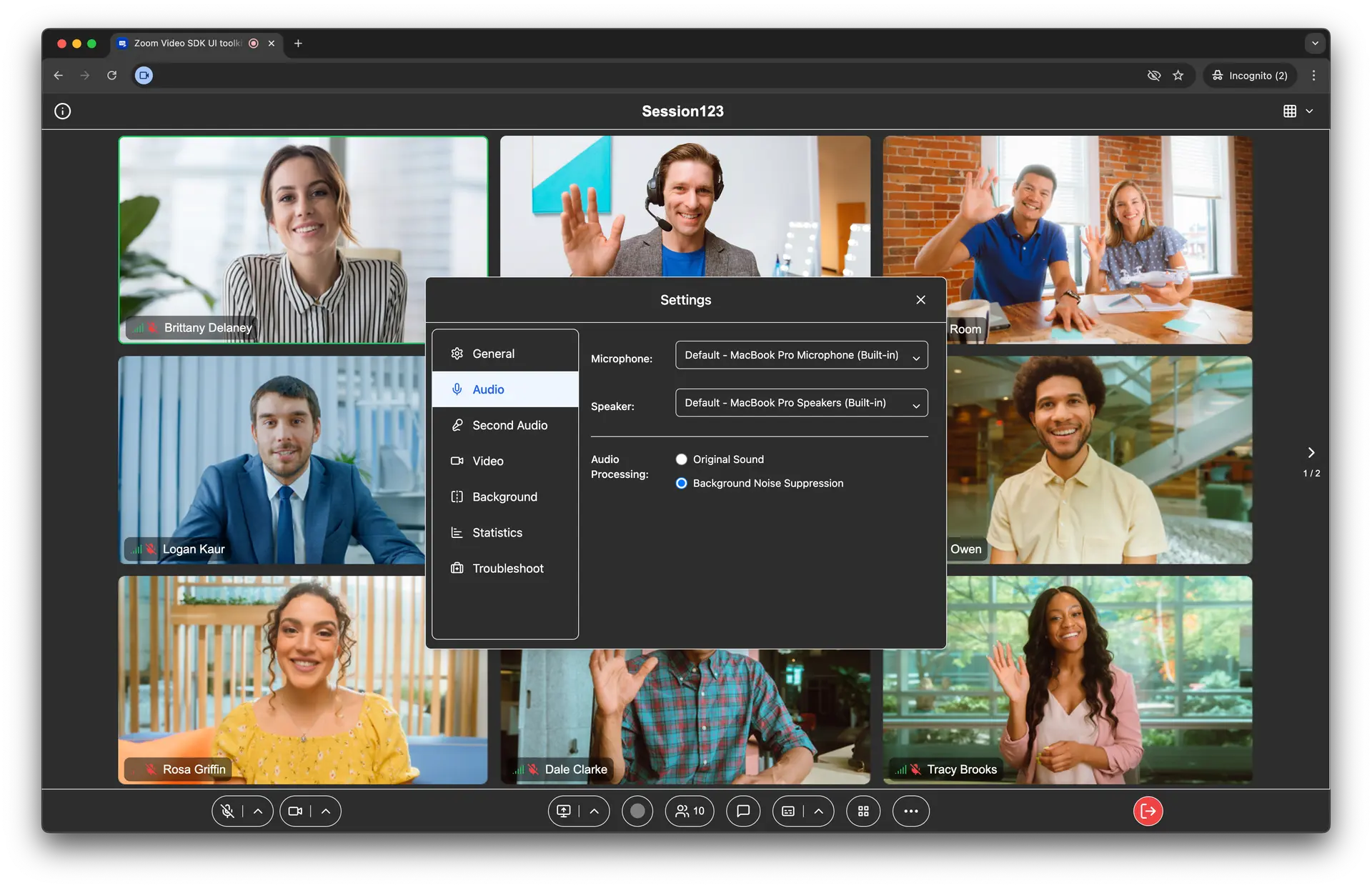
Zoom is a video conferencing platform that offers free and paid options for hosting virtual meetings. With Zoom Meetings, users can initiate and join video calls from desktop or mobile devices. Its interface and communication tools aim to make it easy to conduct meetings, presentations, and remote work sessions.
Key features include:
- Customizable gallery view: View and rearrange video tiles in grid layout; spotlight or pin up to nine participants for better focus.
- Screen sharing and co-annotation: Share your full screen or specific windows, with the ability for multiple users to co-annotate during presentations.
- Breakout rooms: Split participants into smaller groups for side discussions or team activities, with manual or automatic room assignments.
- Virtual backgrounds and filters: Customize your meeting environment for branding or fun using immersive view and visual effects.
- Meeting management tools: Use waiting rooms, video pinning, and local recording to control session flow and content capture.

Source: Zoom
3. Microsoft Teams

Microsoft Teams is a unified communication and collaboration platform that includes video conferencing, chat, file sharing, and calling. Intended for business, education, and personal use, Teams integrates with Microsoft 365 tools like PowerPoint Live, Microsoft Whiteboard, and Copilot for meetings and planning.
Key features include:
- Video meetings and webinars: Hosts secure video calls with features like screen sharing, background effects, and integrated PowerPoint presentations.
- AI capabilities with Copilot: Supports the use of AI-generated meeting notes, summaries, and task recommendations to improve meeting outcomes.
- Integrated whiteboard and collaboration tools: Collaborate visually with Microsoft Whiteboard and co-edit documents during meetings.
- Teams phone: Add cloud-based calling with features like voicemail, call transfer, and auto attendants.
- Persistent chat and file sharing: Keep conversations organized and accessible, with shared files and chat history available in context.

Source: Microsoft
4. Google Meet

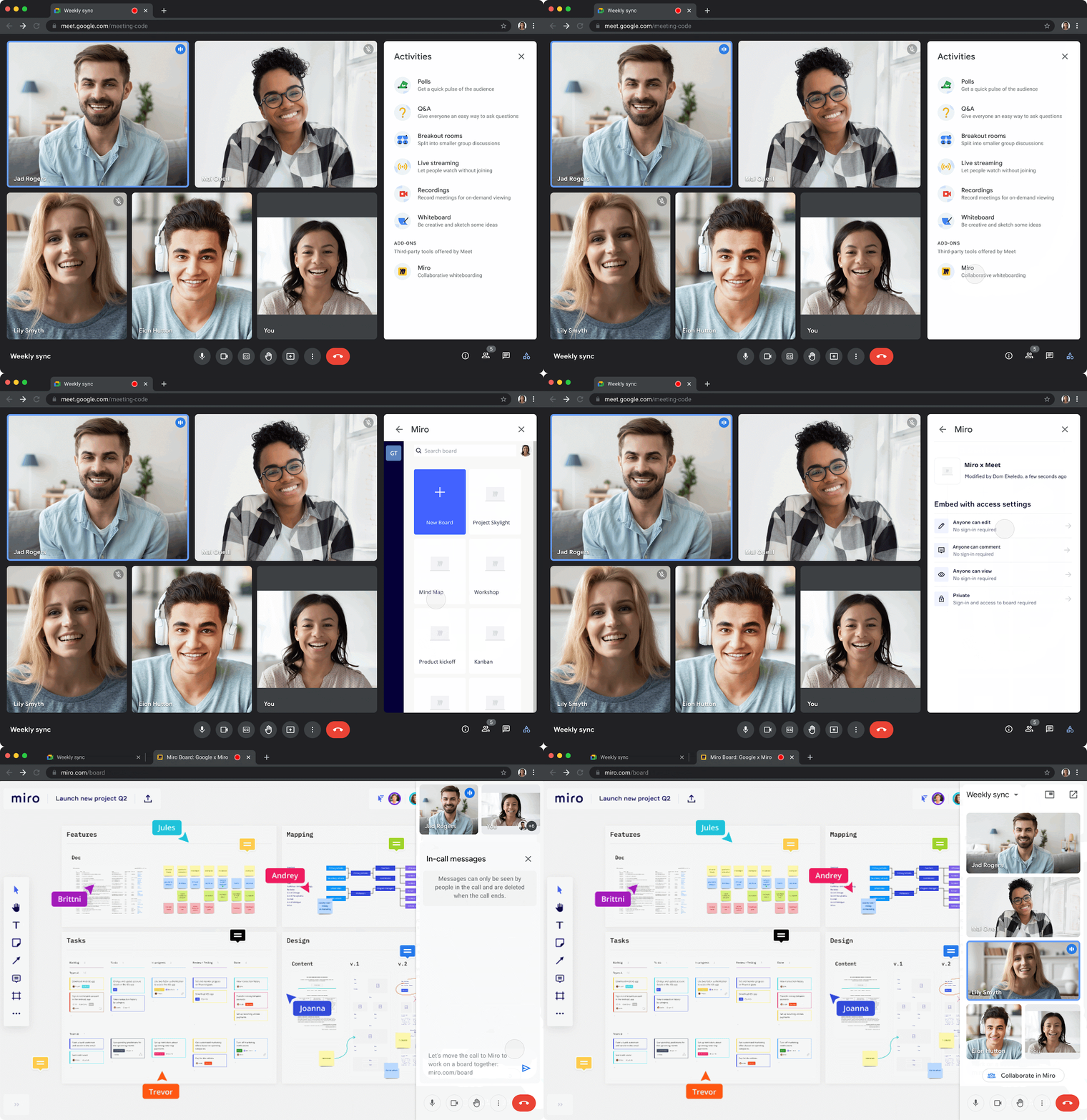
Google Meet is Google’s video communication platform for enterprise meetings, virtual collaboration, and video calls. Originally launched in 2017 as a business-focused alternative to Hangouts, it has since expanded to support both professional and personal use.
Key features include:
- HD video and audio calls: Supports one-on-one and group video calls in 720p or 1080p quality, depending on license level.
- Screen and tab sharing: Share the screen or a browser tab to present slides, documents, or apps during meetings.
- Real-time chat: Built-in text chat allows messaging during calls without disrupting the conversation.
- Google Workspace integration: Scheduling and joining through Google Calendar and Gmail.
- Noise cancellation and low-light mode: Automatically filters background noise and adjusts video for dim environments (license-dependent).

Source: Google
5. Cisco Webex

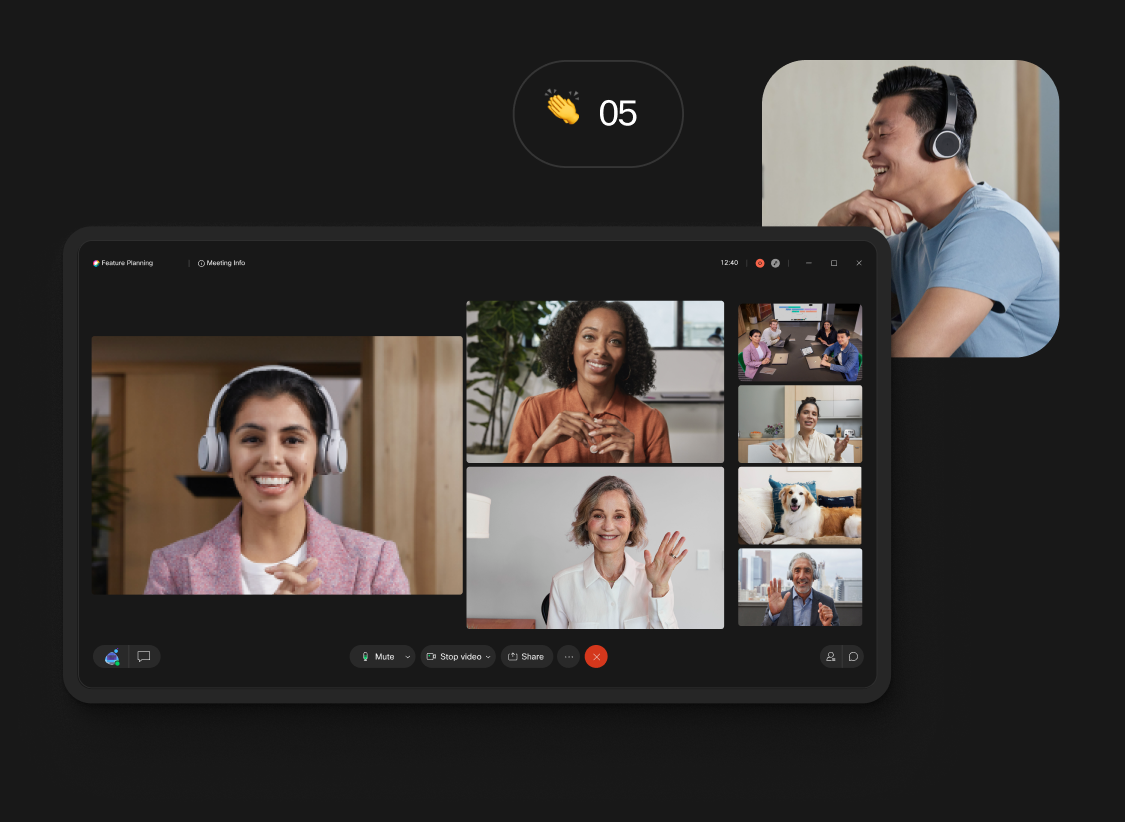
Cisco Webex is a video conferencing and collaboration platform for hybrid work environments. It supports meetings, messaging, calling, events, and team collaboration from a unified interface. Webex enables secure communication across devices and locations, supporting daily check-ins and enterprise-wide virtual events.
Key features include:
- Video and audio: Offers video and audio clarity in low-bandwidth environments, with support for people-focused views and voice optimization.
- Collaboration: Real-time translation, closed captions, and noise cancellation ensure accessibility for participants.
- Webex assistant: An AI-powered virtual assistant that automates tasks like note-taking, capturing action items, and setting reminders during meetings.
- Flexible Device support: Schedule, join, or move meetings across devices using features like “Move to Mobile” via QR code or Apple CarPlay integration.
- Engagement tools: Helps improve participation with immersive share, custom stage layouts, live polling, and Q&A features.

Source: Webex
6. GoTo Meeting

GoTo Meeting is a web conferencing platform for secure virtual meetings. Designed to support remote and hybrid work, it offers no-download access, clear audio, and reliable video conferencing.
Key features include:
- Video and screen sharing: Host high-definition video meetings with one-click access and screen sharing tools.
- Audio enhancements: Ensure clear communication with VoIP and toll-based audio, background noise suppression, and commuter mode.
- Security and privacy: Protect meetings with single sign-on (SSO), meeting locks, encrypted sessions, and attendee dismissal controls.
- No downloads needed: Participants can join meetings through a web browser.
- Breakout rooms and collaboration tools: Split participants into breakout groups for focused discussions, and enable chat, keyboard/mouse sharing, and other tools to support collaboration.

Source: GoTo Meeting
7. RingCentral Video

RingCentral Video is a flexible video conferencing solution to support business communication. It delivers video, screen sharing, file collaboration, and cloud recording across desktop and mobile platforms.
Key features include:
- Cross-platform access: Join or host meetings from desktop apps, web browsers, tablets, or smartphones.
- Video and audio: Conduct video meetings with noise suppression and audio enhancements for a more natural experience.
- Screen and file sharing: Share the screen or files to collaborate on documents, deliver presentations, or walk through product demos.
- Cloud recording and storage: Record meetings and store them in the cloud for easy access and sharing.
- Scheduling and calendar support: Schedule meetings with automatic calendar sync through Google Calendar or Microsoft Outlook.

Source: RingCentral
8. Zoho Meeting

Zoho Meeting is a secure, cloud-based video conferencing and webinar platform intended for businesses, educators, and remote teams. It is suitable for hosting team meetings, broadcasting webinars, or managing multiple departments.
Key features include:
- Online meetings and webinars: Host secure video meetings and live webinars with support for multiple video feeds, Q&A, and polls.
- Screen sharing and collaboration: Share screens, use digital whiteboards, and exchange files during meetings.
- Meeting recording and replay: Record sessions for later viewing or offline access, and share recordings with team members who missed the meeting.
- Departmental meeting management: Create team-specific departments, assign user roles, and schedule private meetings.
- Webinar customization: Tailor registration forms, webinar emails, and post-session redirects.

Source: Zoho
9. Adobe Connect

Adobe Connect is a virtual meeting and webinar platform intended to deliver customizable and interactive digital experiences. It emphasizes structured virtual experience design, making it suitable for training, webinars, and large-scale virtual events.
Key features include:
- Virtual experience design: Offers interactive storyboards and custom layouts to guide participant focus and deliver dynamic sessions.
- Custom pods and layouts: Combines multiple content pods—including video, slides, whiteboards, web links, polls, and file sharing—into a single view.
- Reusable room templates: Designed rooms can be saved and reused for recurring sessions.
- Breakout rooms and quizzes: Helps boost engagement through breakout room management, quiz pods, and interaction tools.
- Branding options: Organizations can apply their logo, domain name, background images, and lobby screens to personalize the attendee experience.

Source: Adobe Connect
10. Dialpad Meetings

Dialpad Meetings is a video conferencing platform for hybrid teams. With no downloads required and full browser support, it aims to make it easy to host or join meetings, delivering video and audio while simplifying team communication and productivity.
Key features include:
- One-click meeting access: Allows users to launch or join meetings via browser or app.
- Transcription: Automatically captures live transcripts of conversations with speaker identification.
- Call summaries and action items: Can send email recaps after meetings, including transcripts, recordings, and next steps.
- HD video and audio: Enables consistent video and clear audio with background noise reduction.
- Screen and file sharing: Lets users share their screen, collaborate on documents, or whiteboard ideas with participants.

Source: Dialpad
Conclusion
As remote work, virtual collaboration, and hybrid events continue to grow, choosing the right video conferencing software has become more important than ever. Whether you’re managing a small team or hosting large-scale webinars, the right tool can improve communication, speed up workflows, and increase participant engagement. Modern platforms now offer a mix of video, audio, chat, and interactive features to fit a variety of business, education, and personal use cases.
Was this post useful?
Thank you for your feedback!