12 Internal Communications Tools to Know in 2026

Today’s workforce demands more than just email. Internal communications tools help companies cut through the noise by delivering targeted, timely, and trackable messages. These tools ensure everyone stays informed, aligned, and engaged, whether they’re at a desk, on the floor, or in the field.
What are internal communications tools?
Internal communications tools are digital platforms that enable organizations to share information, foster connections, and manage employee engagement. Key types of tools include corporate event and webinar platforms, instant messaging apps (for real-time conversation), collaboration tools (for project management and task tracking), wikis and intranets (central hubs for company info).
Examples of internal communication tools include Kaltura, Slack, Google Workspace (Chat, Meet), and employee engagement platforms like Workvivo.
These tools cover a range of functions, from company-wide announcements to team collaboration, offering structured ways to exchange messages, documents, and feedback. They help reduce reliance on fragmented communication channels and ensure that critical updates reach the right people at the right time.
This is part of a series of articles about corporate communications
Benefits of internal communications tools
Internal communications tools provide more than just channels for conversation—they create structure and clarity in how information is shared across an organization. By using these tools effectively, companies can improve collaboration, reduce miscommunication, and support a more connected workforce:
- Improved information flow: Ensure that updates, policies, and announcements reach employees quickly and consistently, reducing confusion and misalignment.
- Higher employee engagement: Provide structured ways for employees to give feedback and feel included in decision-making, which strengthens workplace culture.
- Operational efficiency: Simplify communication by consolidating messages into organized platforms, cutting down on time lost to email overload or scattered tools.
- Support for remote and hybrid work: Enable real-time interaction and collaboration regardless of location, helping teams stay connected across time zones.
- Better knowledge retention: Offer searchable records of conversations, documents, and decisions, making it easier to find information and reduce duplicated work.
- Clearer accountability: Assign communication to specific channels or formats so responsibilities, approvals, and updates are easier to track.
Key categories of internal communications tools
1. Corporate event and webinar platforms
These platforms are designed for large-scale internal events such as town halls, leadership updates, and training webinars. They support live streaming, Q&A, polling, and post-event analytics, helping organizations engage employees at scale while tracking participation and feedback. Tools like Kaltura, ON24, and Vimeo Enterprise enable branded, interactive sessions that can also be recorded for on-demand access.
2. Instant messaging apps
Instant messaging tools facilitate real-time communication among individuals and teams. They replace email for many day-to-day conversations, speeding up decision-making and reducing inbox clutter. These platforms often include group channels, direct messaging, file sharing, and integrations with other business tools. Popular examples include Slack, Microsoft Teams, and Google Chat.
3. Collaboration tools
Collaboration tools help teams organize projects, track tasks, and coordinate workflows. While not limited to communication, these tools support internal updates through shared comments, notifications, and project discussions. They keep work visible and aligned across departments. Tools like Asana, Trello, Jira, and ClickUp are commonly used for project-based communication.
4. Wikis and intranets
Wikis and intranets act as centralized knowledge bases and internal content hubs. They store company policies, onboarding materials, process documentation, and other essential resources. These tools make information easily accessible and support consistent messaging across the organization. Platforms like Confluence, Notion, and SharePoint are frequently used to maintain structured, searchable internal content.
Features to look out for in internal communication tools
Branding features
Branding options allow companies to align communication tools with their identity. Custom logos, colors, and layouts ensure that employees see consistent branding across platforms, reinforcing culture and professionalism. In larger organizations, this consistency helps distinguish internal channels from external ones and makes messages easier to recognize.
Content personalization and repurposing tools
Personalization features let employees receive content relevant to their role, location, or team, reducing information overload. Repurposing tools allow administrators to adapt the same content across different formats, such as converting a leadership announcement into a newsletter snippet or a chat post, ensuring consistent messaging without duplicating effort.
Security, compliance, and access control
Security features protect sensitive information and maintain compliance with regulations. Access control allows organizations to define who can view or share specific content, which is critical for departments handling confidential data. Tools should also provide audit trails, data encryption, and compliance certifications like GDPR or HIPAA, depending on industry needs.
AI and automation tools
AI-driven features automate repetitive tasks, such as scheduling announcements, tagging content, or generating meeting summaries. Automation also supports workflows like routing approvals or reminding teams about deadlines. These capabilities reduce manual overhead and help ensure that important updates are delivered without delays.
Analytics
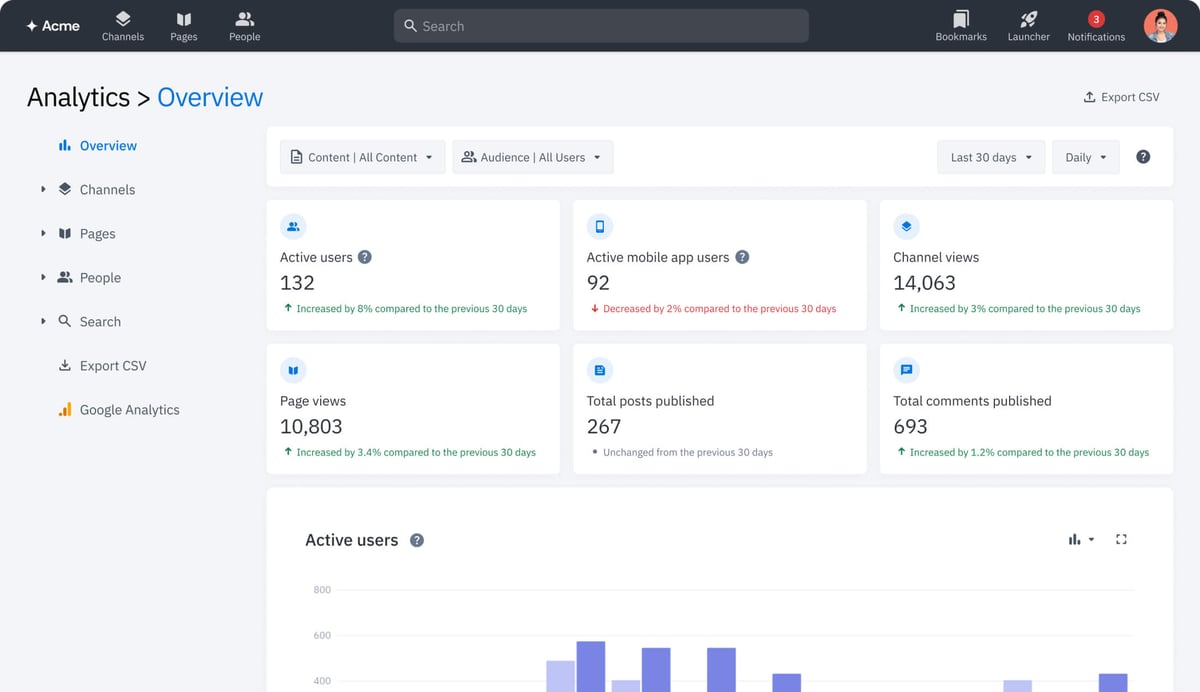
Analytics dashboards provide insight into how messages are received and acted on. Metrics like open rates, read receipts, survey participation, and meeting attendance help organizations understand engagement levels. Advanced tools can segment data by team, location, or role, enabling targeted improvements in communication strategy.
Notable internal communications tools
Corporate event and webinar platforms
1. Kaltura

Kaltura is a video-first internal communications platform designed to manage the full lifecycle of enterprise communication (including live, simulive, and on-demand experiences) within a secure, centralized environment. It replaces fragmented tools with one structured system for leadership messaging, town halls, training, and company-wide updates, while embedding AI across every stage of the workflow. Organizations can analyze sentiment during live sessions, automatically generate summaries and clips, enrich content with captions and translations, and turn recordings into searchable, conversational knowledge through its built-in AI agent.
Kaltura also includes Agentic Avatars: AI-powered, conversational agents that transform static policies, onboarding materials, and leadership communications into real-time, interactive guidance. By connecting across enterprise knowledge sources, these avatars provide contextual answers, guide employees and candidates step by step, and help reduce support load while improving clarity, engagement, and action. Enterprise-grade security, role-based access control, SSO, audit trails, and advanced analytics ensure communication remains governed, measurable, and aligned at scale.
Key features include:
- Live + VOD delivery: Secure streaming for town halls, leadership updates, and training at scale
- Enterprise video portal: Branded, searchable hub with role-based personalization
- AI content discovery: Intelligent search and personalized feeds
- Real-time session analysis: Sentiment tracking and engagement triggers during live events
- Content Lab: Automatically generate clips, summaries, and multi-format assets
- Genie AI agent: Conversational knowledge assistant built from internal video and events
- Agentic Avatars: conversational AI agents for guided employee and candidate experiences
- Publishing Agent: Automated moderation, captions, translations, metadata, and compliance
- Enterprise governance: Role-based access control, SSO, audit logs, and policy enforcement
- Advanced analytics: Deep insight into engagement, understanding, and communication impact
2. Zoom Webinars

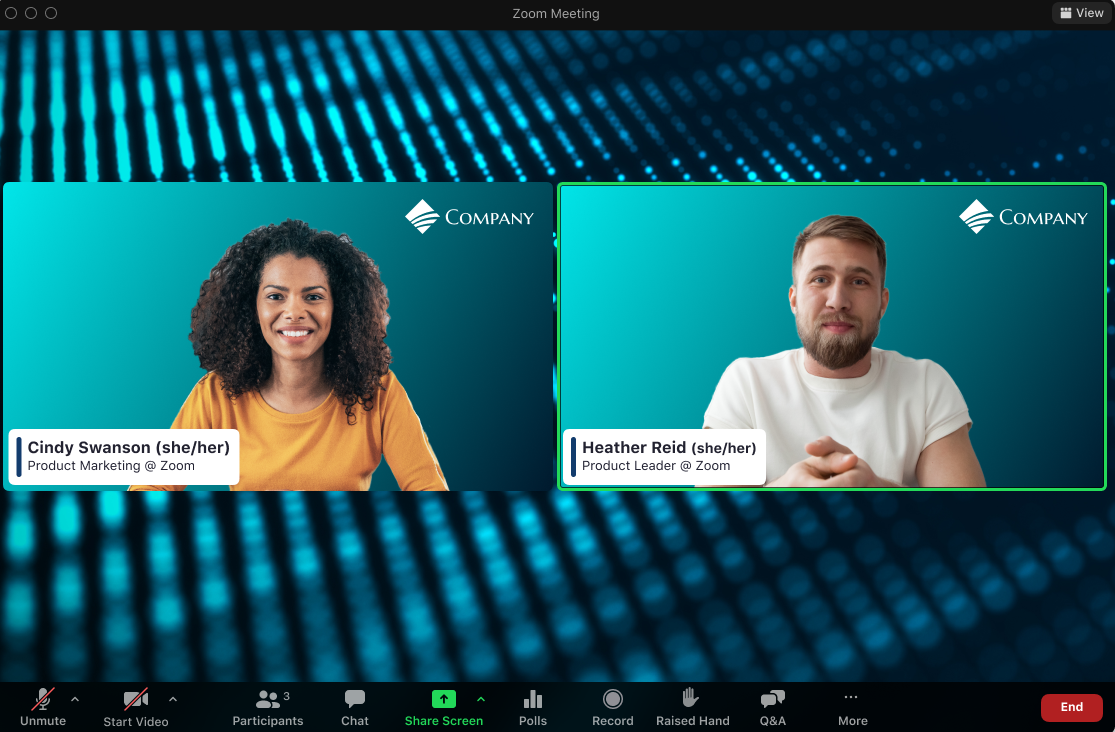
Zoom Webinars supports internal events such as company all-hands, leadership briefings, and learning sessions. It offers a simplified setup process with templates and automation for registration, reminders, and follow-ups. Hosts can customize the experience with branded elements and integrations, while attendees benefit from one-click access and familiar interfaces.
Key features include:
- Simplified host experience: Templates and AI tools automate registration forms and follow-ups
- Audience-friendly access: One-click join with no downloads required
- Engagement tools: Built-in Q&A, polls, and reactions
- Custom branding: Add logos and themes to align with company identity
- On-demand content: Recordings can be turned into reusable video showcases
- Integration and automation: Connects with CRM and marketing tools via apps like Zapier

Source: Zoom
3. BigMarker
BigMarker is a digital experience platform for producing internal webinars and hybrid events with a focus on interactivity and data capture. It supports automated (“simulive”) sessions, personalized experiences by audience segment, and deep CRM integrations. Engagement tools like polls, Q&A, breakout rooms, and in-session CTAs help drive participation. BigMarker also includes email marketing features and on-demand video hubs for ongoing employee access.
Key features include:
- Interactive experiences: Tools for live chat, polls, reactions, Q&A, and CTAs
- Simulive presentation mode: Automates delivery while hosts focus on interaction
- CRM integration: Syncs audience data and engagement metrics directly into CRM
- Email marketing support: Built-in tools for invites, reminders, and follow-ups
- AI personalization: Tailors content and engagement based on audience segment
- On-demand access: Create media hubs for ongoing internal learning and communication
Instant messaging apps
4. Slack

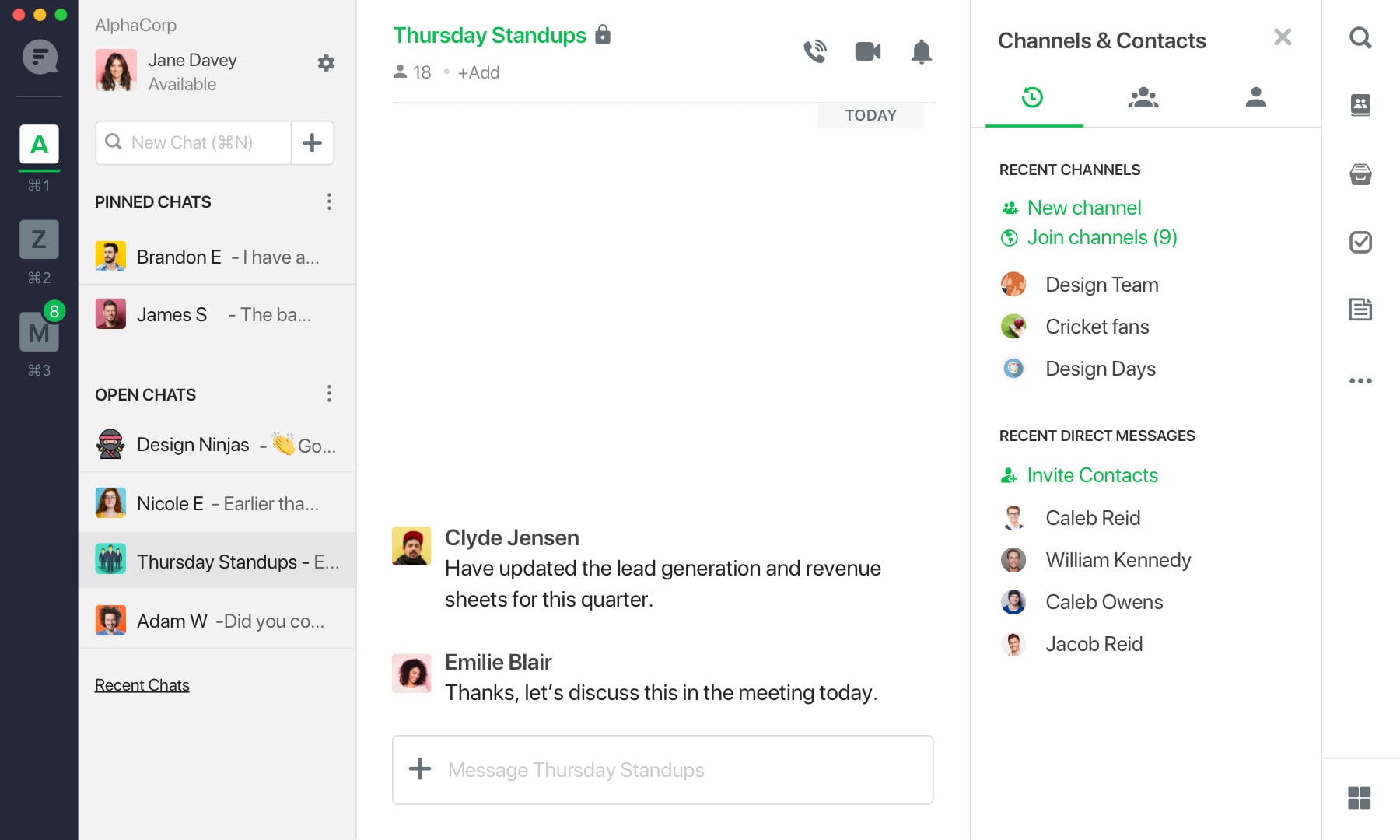
Slack is a messaging platform that organizes team communication into channels, enabling structured, real-time collaboration. It supports direct messages, group discussions, and external communication through Slack Connect. With features like huddles for audio/video chat and integrations with thousands of tools, Slack helps teams centralize conversations and simplify work.
Key features include:
- Organized channels: Structure discussions by team, topic, or project
- Real-time and async messaging: Chat directly or leave updates for later review
- Built-in audio/video tools: Use huddles or record clips for quick check-ins
- App integrations: Connect over 2,600 apps to simplify workflows
- AI and automation: Use Workflow Builder and Slack AI to reduce manual tasks
- Enterprise-grade security: Includes access control, encryption, and key management

Source: Slack
5. Flock

Flock offers messaging and collaboration tools focused on reducing communication clutter and improving productivity. Teams can organize discussions in channels, manage projects with built-in task tools, and conduct video calls without leaving the platform. Flock also provides seamless file sharing and integrations with common workplace apps.
Key features include:
- Structured channels: Organize conversations to support focused teamwork
- Integrated video conferencing: Host calls and share screens directly in the app
- Built-in task management: Use shared notes, to-dos, and reminders to track progress
- File sharing: Share documents in real time across teams and devices
- App connectivity: Integrates with tools like Zoom, Asana, and Google Calendar
- Data privacy and support: Offers enterprise-grade security and 24/7 support

Source: Flock
6. HCL Sametime
HCL Sametime is a secure messaging and video conferencing tool designed for enterprise environments with a focus on data control and low total cost of ownership. It supports persistent chat and meetings with options for on-premises, cloud, or hybrid deployment. Features include livestreaming, automatic transcription, and customizable meeting experiences.
Key features include:
- Persistent messaging: Retain chat history across devices and sessions
- Secure video meetings: Encrypted, policy-controlled conferencing with moderator tools
- Custom branding: Personalize the meeting experience with company visuals
- Deployment flexibility: Run in cloud-native, on-premises, or hybrid environments
- Meeting recordings and transcripts: Auto-generate transcripts and reports
- Livestream support: Broadcast internal events to large groups
Collaboration tools
7. Asana

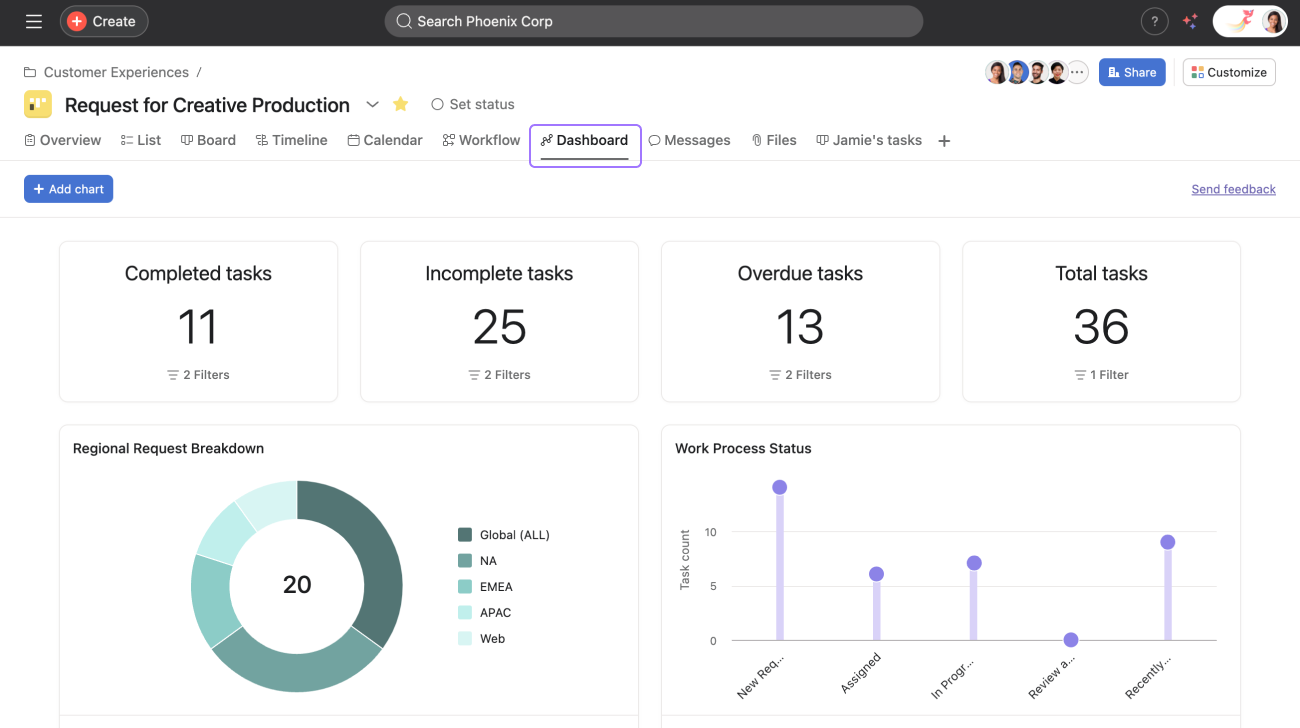
Asana helps teams manage projects, tasks, and workflows in a shared environment. Users can create tasks directly from conversations, track progress through customizable dashboards, and manage work using timelines and calendars. Asana supports cross-functional planning, allowing teams to align on goals, prioritize work, and reduce delays through structured collaboration.
Key features include:
- Task and project management: Create and assign tasks, set due dates, and track completion
- Workflow automation: Automate routine actions using rules and triggers
- Customizable views: Organize work with lists, boards, timelines, and calendars
- Real-time collaboration: Add comments, share files, and receive updates within tasks
- App integrations: Connect with tools like Slack, Google Workspace, and more
- Goal alignment: Link tasks to team or company-wide goals for visibility

Source: Asana
8. ClickUp

ClickUp is a productivity platform that unifies task management, documentation, chat, and reporting. It enables teams to centralize work with features like custom statuses, AI assistance, and a range of view options. ClickUp supports both structured project planning and flexible collaboration through its configurable environment.
Key features include:
- Multi-view project tracking: Use Gantt charts, kanban boards, calendars, and timelines
- AI-powered productivity: Generate summaries, automate tasks, and get instant answers with ClickUp Brain
- Custom workflows: Define custom fields, statuses, and task types for different teams
- Built-in collaboration tools: Chat, comment threads, screen recordings, and whiteboards
- Integrated docs and wikis: Create and manage knowledge within the same platform
- Automations and integrations: Automate actions and connect with over 50 external tools
9. Wrike

Wrike is a scalable work management platform for teams that need advanced workflow control and cross-functional collaboration. It combines task tracking, automation, and real-time reporting into a single workspace. With a focus on configurability and security, Wrike is suitable for enterprise environments handling complex, fast-paced projects.
Key features include:
- Centralized workspace: Organize work and teams in a unified, customizable dashboard
- Automation and AI: Use Wrike Work Intelligence® for task automation, risk prediction, and summaries
- Custom item types: Tailor task structures to match team-specific workflows
- Dashboards and reporting: Gain real-time visibility with configurable reports and alerts
- Enterprise-grade security: Support for data protection, compliance, and user management
- Integration ecosystem: Connect with tools like Microsoft, Slack, Google, Adobe, and Salesforce

Source: Wrike
Wikis and intranets
10. Confluence

Confluence is a team workspace that enables employees to create, share, and organize knowledge in a structured environment. It supports a range of content types, from meeting notes and project plans to whiteboards and databases. Teams use Confluence to capture institutional knowledge, collaborate on documentation, and keep information discoverable and up to date across departments.
Key features include:
- Template library: Start quickly with templates for notes, planning, and retrospectives
- Content flexibility: Create pages, whiteboards, and databases in a single platform
- Knowledge organization: Structure and link content for easy navigation and discovery
- Real-time collaboration: Comment, edit, and discuss updates within shared documents
- Integration-ready: Works with tools like Jira, Trello, and Slack for cross-platform use
- Search and accessibility: Quickly find relevant content across teams and spaces

Source: Confluence
11. Notion

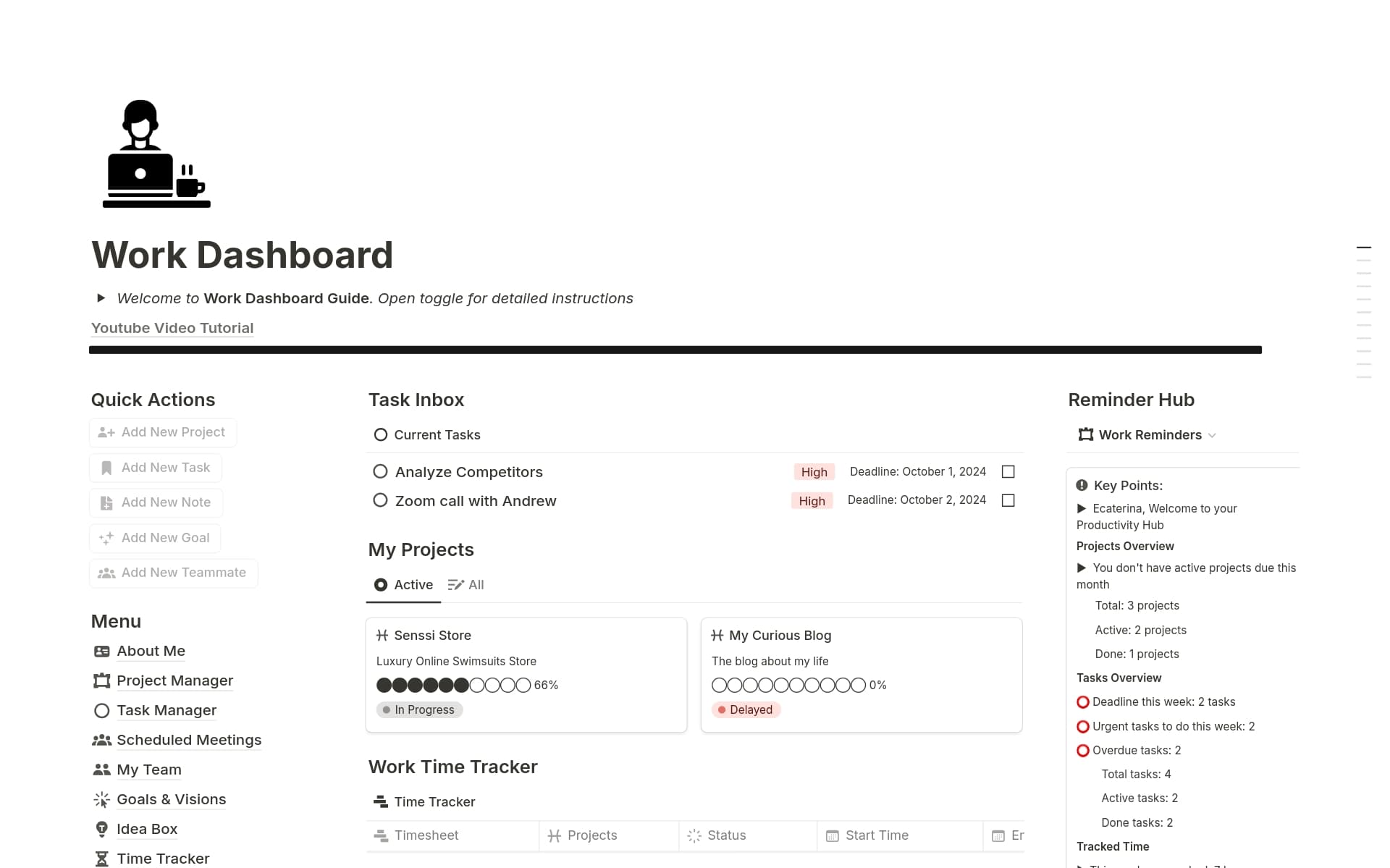
Notion is a unified workspace for knowledge management, project planning, and collaboration. It combines documentation, databases, and automation with built-in AI tools. Teams use Notion to centralize work, assign tasks to AI agents, and streamline operations across departments, reducing the need for multiple apps.
Key features include:
- All-in-one workspace: Combines wiki, project management, and CRM tools
- AI integration: Use AI agents for writing, meeting notes, search, and task execution
- Custom workflows: Flexible databases and templates for varied team needs
- Enterprise search: Search across all content and tools from one interface
- Collaboration support: Shared editing, comments, and knowledge sharing in context
- Cross-platform apps: Access via web, desktop, and mobile devices

Source: Notion
12. Happeo

Happeo is an AI-powered knowledge hub designed for internal communication and company-wide content management. It connects information from tools like Google Workspace and Microsoft 365 into a verified, searchable intranet. Happeo supports distributed teams by delivering accurate, permission-aware content and targeted updates across communication channels.
Key features include:
- AI enterprise search: Delivers smart, verified results based on permissions and context
- AI pages: Automatically builds structured, on-brand content hubs for departments or teams
- Knowledge governance: Detects outdated content, assigns owners, and automates reviews
- Targeted communication: Sends updates across Happeo, Slack, or email to specific audiences
- Tool integration: Connects with existing systems like Google, Microsoft, and Slack
- Security and privacy: Keeps data within the organization and avoids external training use

Source: Happeo
Conclusion
Clear internal communication requires consistent channels, structured workflows, and measurable engagement. Organizations should align messages to audiences, standardize formats for announcements and updates, and use analytics to track reach and response. Strong governance and access controls reduce risk, while automation helps deliver timely information without manual overhead.
Was this post useful?
Thank you for your feedback!